Registration
This documentation provides a step-by-step guide on how to register on the bl0ck.sceptive.com website. The registration process is essential for users to access the platform and benefit from its services.
- Access the Homepage
Open your browser and go to https://bl0ck.sceptive.com/.
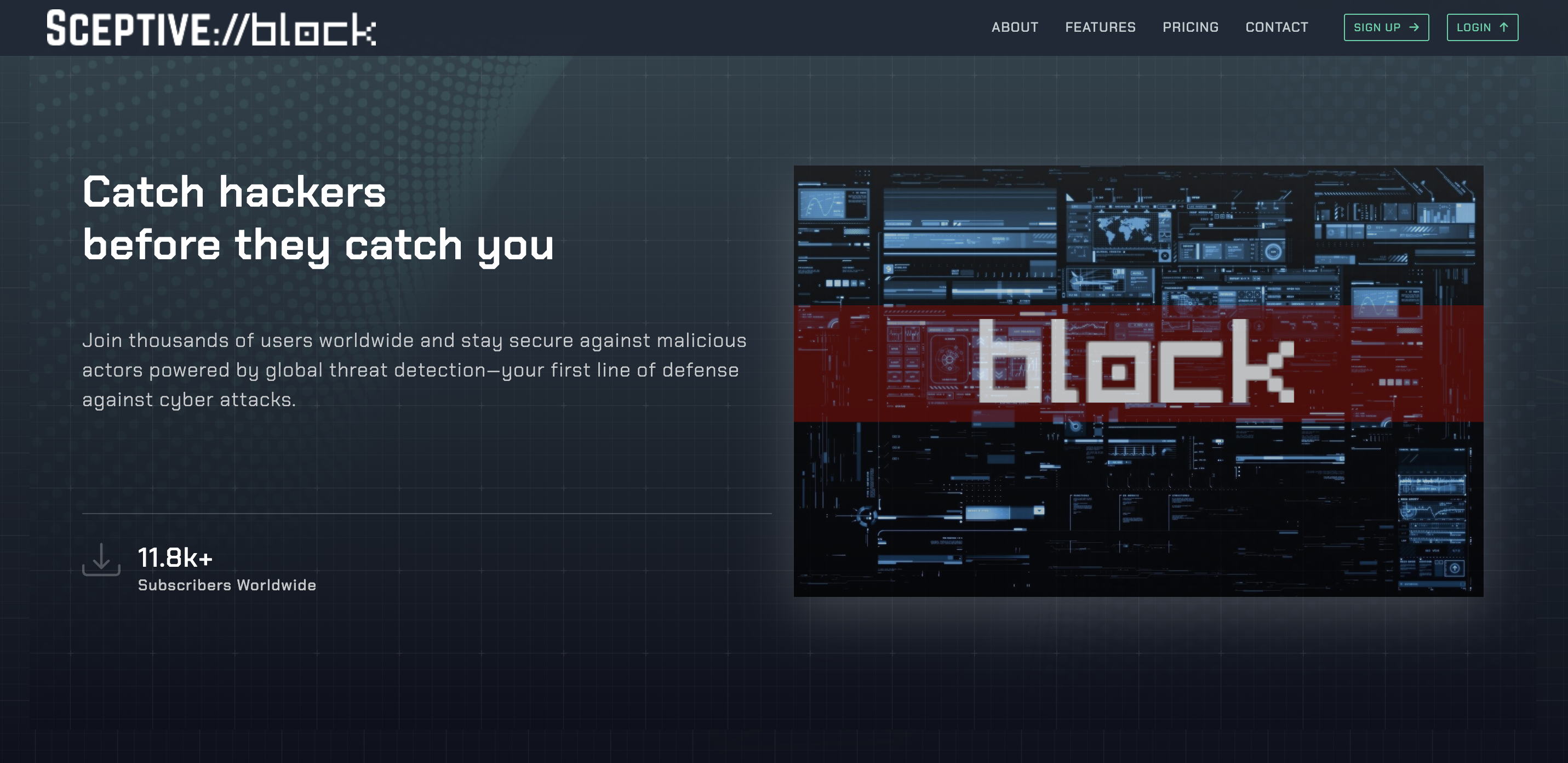
On the homepage, click on the "Sign Up" button in the upper right corner.
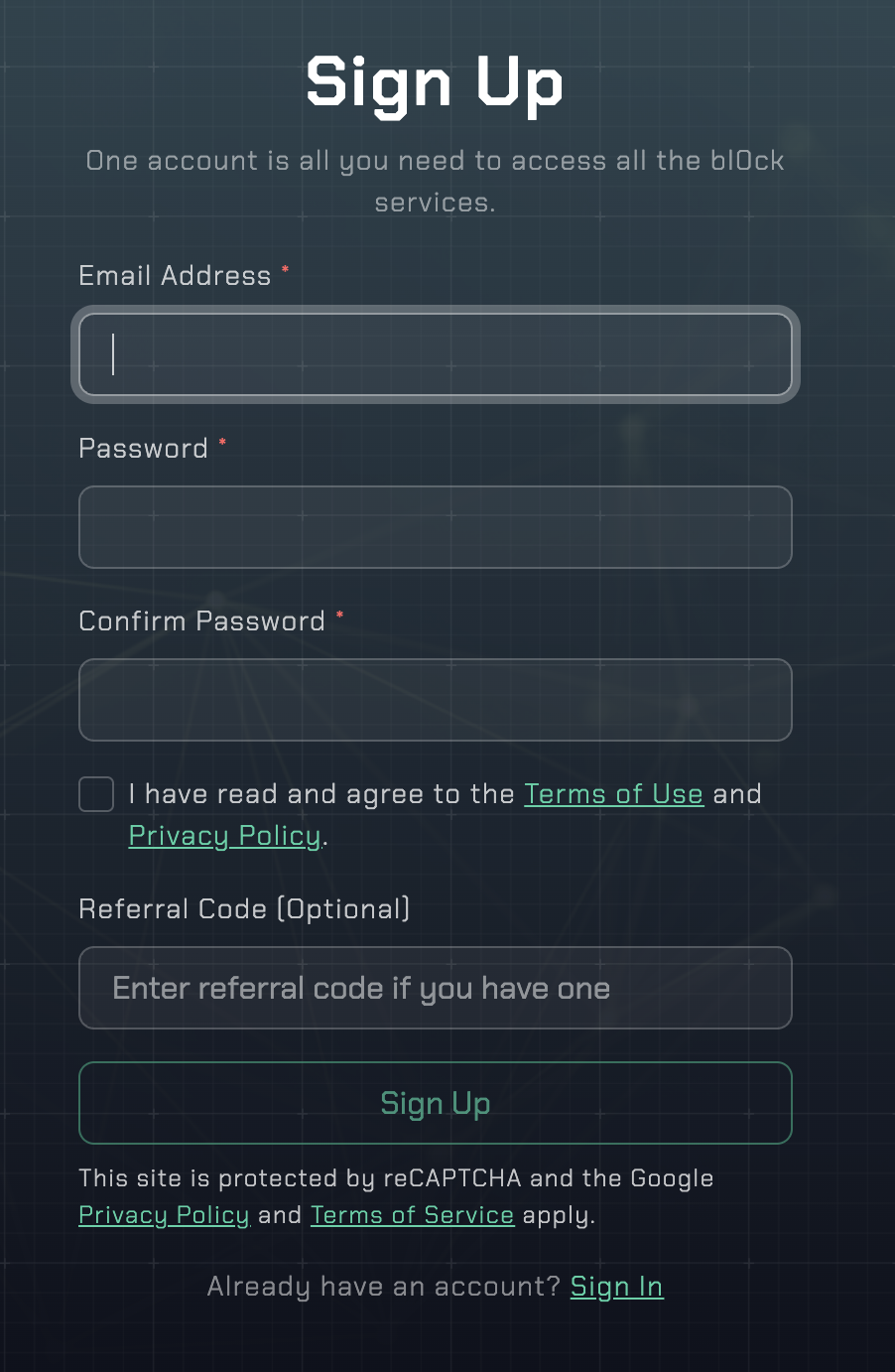
- Fill Out the Registration Form
In the registration form that appears, fill out the following information:
Email Address: Provide a valid email address. This will be used to verify your account.
Password: Create a strong password. It is recommended that your password be at least 8 characters long and include letters, numbers, and special characters.
Confirm Password: Re-enter the password you created.
Before completing your registration, please read and accept "Terms of Use" and "Privacy Policy".
Referral Code (Optional): If you have a referral code, you can enter it in this field. This code may provide benefits for users signing up with your referral.
- Email Verification
After completing the registration process, a verification email will be sent to your provided email address. Check your inbox and click on the verification link to activate your account.
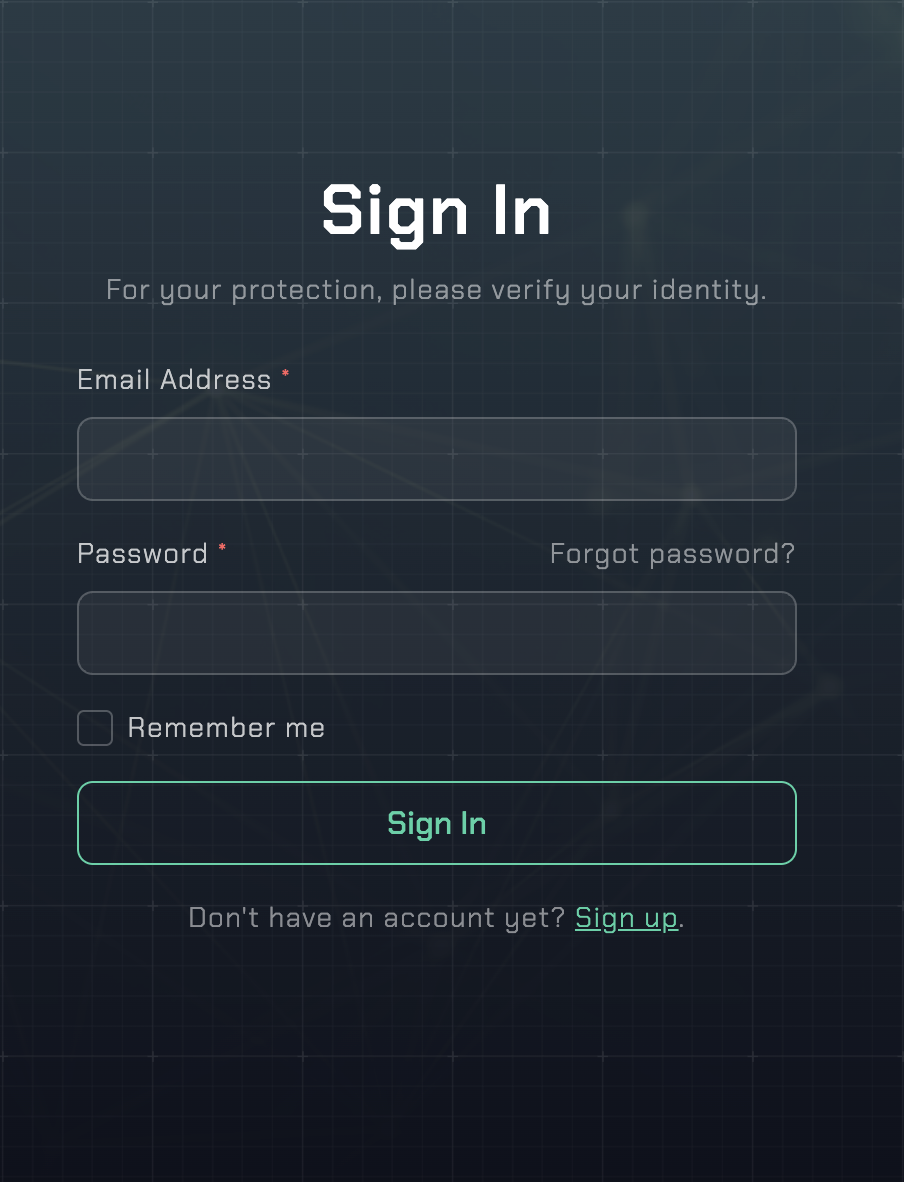
- Login
After the verification process, return to the homepage. Click on the "Login" button in the upper right corner. Enter your email address and password. You can check the remember me box to log in automatically during future sessions. Then click the "Sign In" button.
- Troubleshooting
If you encounter any issues during the registration process;
Forgot My Password: Use the "Forgot Password?" option on the sign in page to follow the necessary steps to reset your password.
For additional support, contact support@sceptive.com