Sophos
Integrate Sceptive bl0ck with your Sophos firewall to block malicious IPs effectively.
🔧 Prerequisites
-
Sophos XG Firewall with support for external IP blocklists.
-
Access to Sophos Admin Console.
-
Sceptive bl0ck account with API access.
Steps:
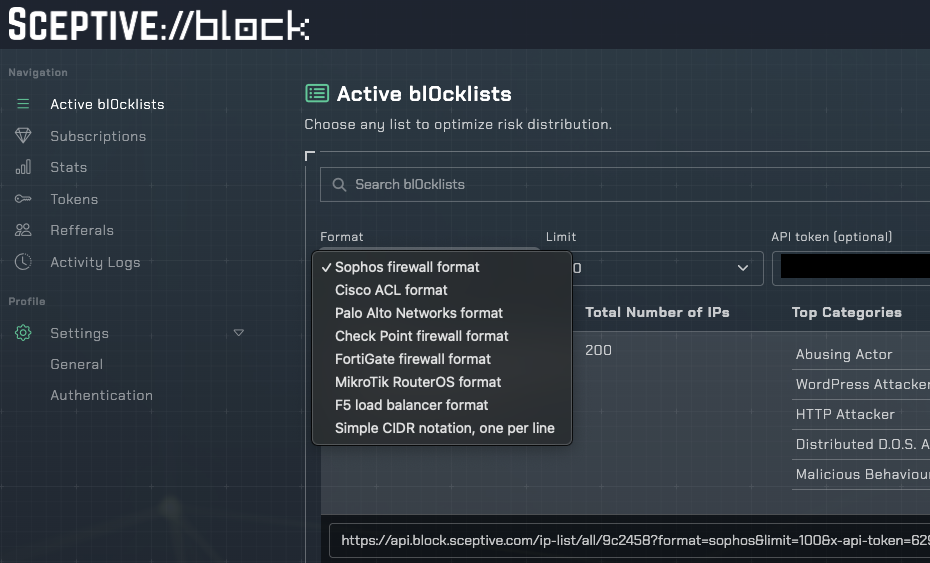
In your Sceptive bl0ck dashboard, navigate to Active bl0cklists and select Sophos firewall format.
Log in to the Sophos Admin Console and navigate to System > Hosts and Services > IP Host Group.
Create a new IP Host Group that includes the IPs from the Sceptive bl0ck list.
Set up a scheduled task to update the IP Host Group with the latest blocklist.
Apply the IP Host Group to your firewall rules to block traffic from malicious IPs.