Cisco
Integrate Sceptive bl0ck with Cisco firewalls to enhance your network security.
🔧 Prerequisites
-
Cisco firewall that supports external threat feeds.
-
Access to Cisco Security Manager or relevant management interface.
-
Sceptive bl0ck account with API access.
Steps:
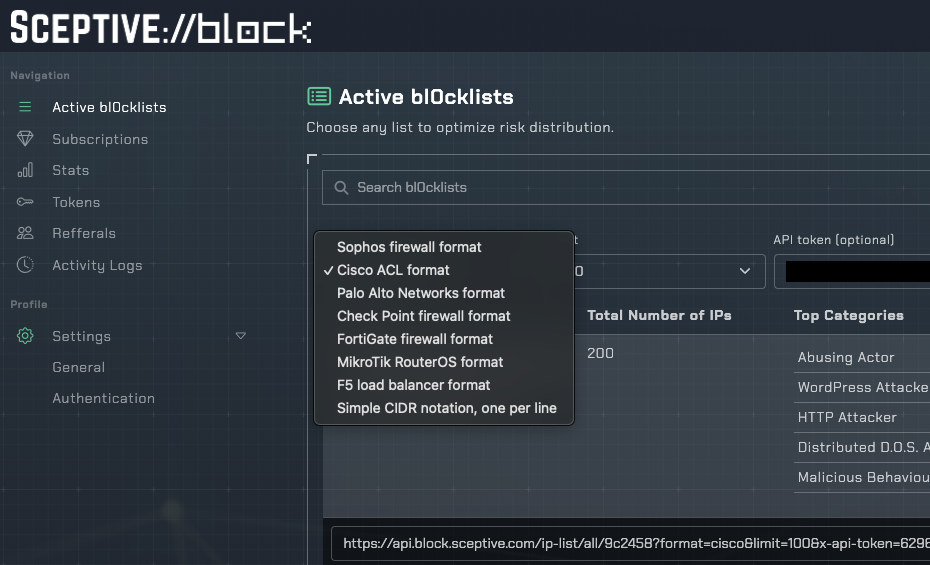
In your Sceptive bl0ck dashboard, navigate to Active bl0cklists and select Cisco ACL format.
In Cisco Security Manager, go to Policy Objects > Threat Feeds.
Add a new threat feed using the URL from bl0ck dashboard.
Configure the feed to update at your desired interval and apply it to your security policies.